How AssetFIND works
Photograph, label, and organize everything you own — then prove it in minutes. Here's the whole workflow, start to finish.
- 1
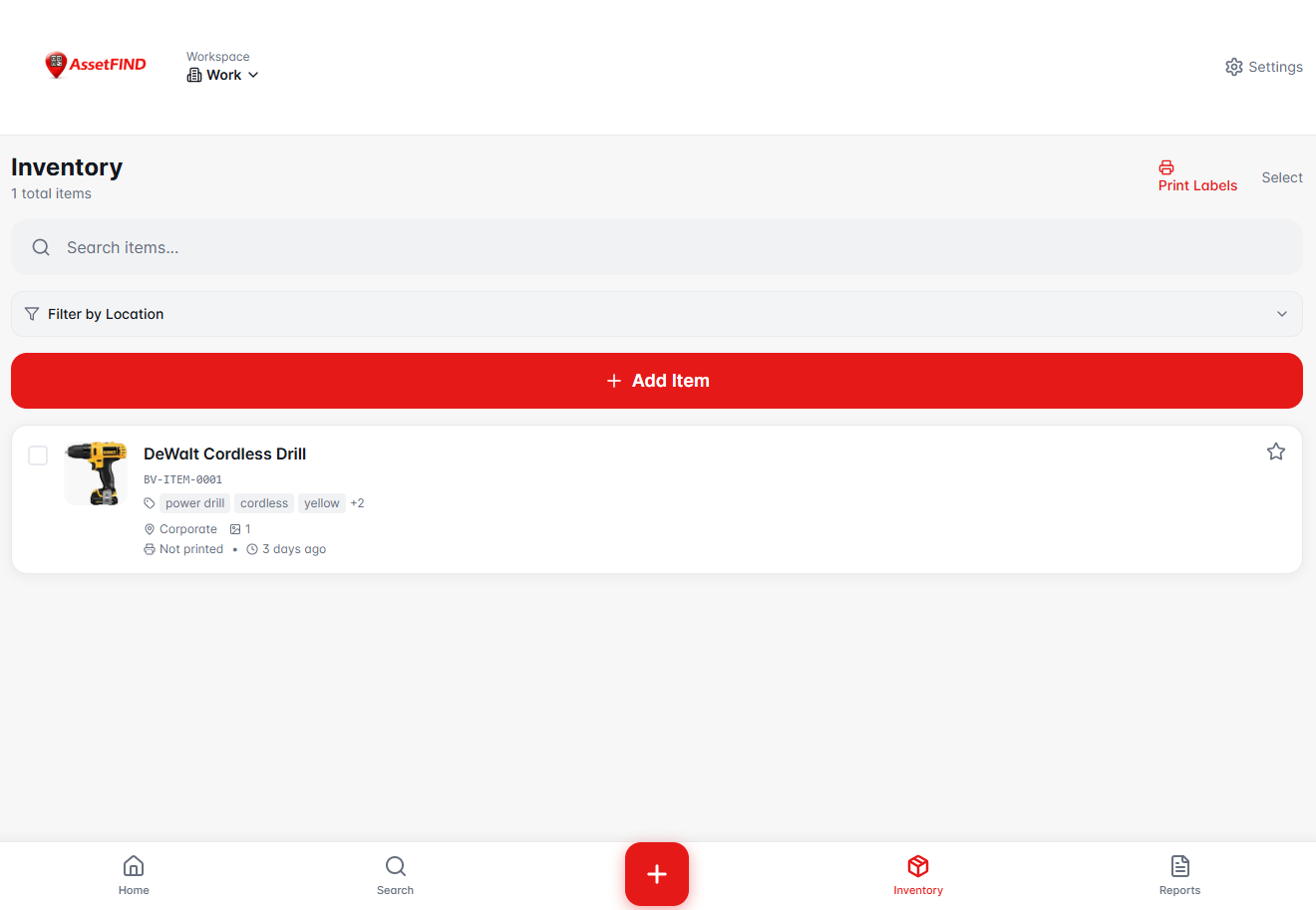
Snap a photo
Take a picture of any item — or upload one you already have. No spreadsheets, no manual data entry to start.
- 2
Let AI catalog it
AssetFIND uses AI to suggest a name, category, and estimated value from the photo, so adding an item takes seconds instead of minutes.
- 3
Print a QR label
Generate and print QR labels for items or boxes. Scan a label later to pull the item up instantly.
- 4
Organize by location & workspace
Assign items to locations (basement, storage unit, warehouse) and separate workspaces for each home, office, or property.
- 5
Check items in and out
Track who has what. Check tools or equipment out to a person or location and back in, so nothing quietly goes missing.
- 6
Generate an insurance-ready report
Produce a PDF report with photos, values, and details — formatted for proof of ownership and insurance claims. Export to CSV on upgraded plans.
Built for homes and businesses
Homeowners use AssetFIND to be insurance-ready and document moves. Landlords, property managers, contractors, and small teams use it to track equipment and property across multiple locations with audit-ready records.